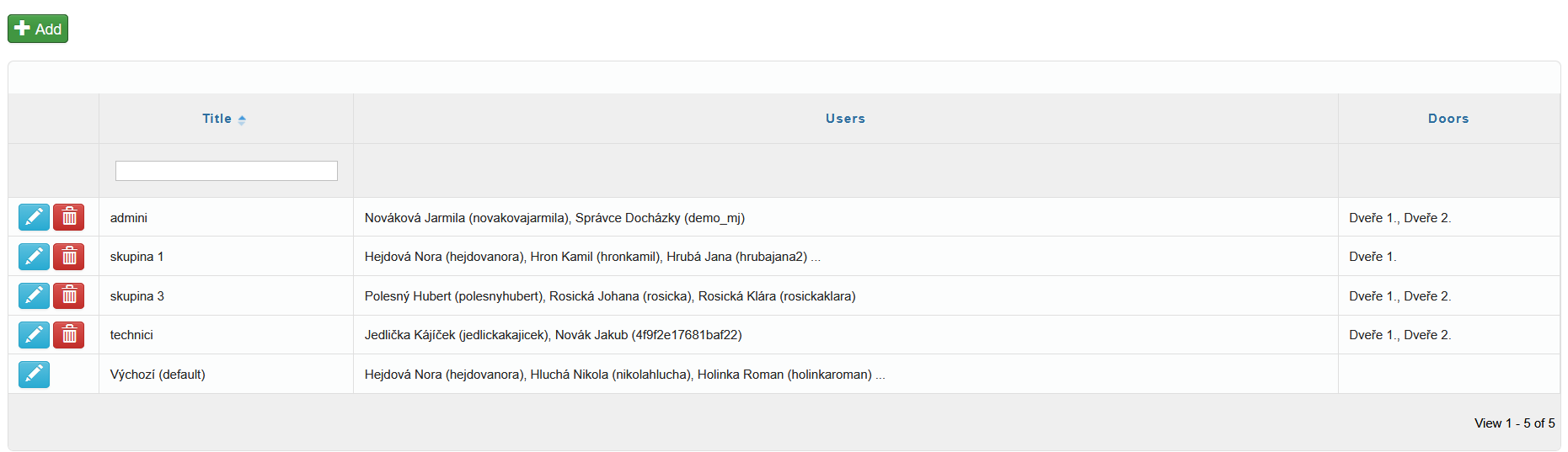
Access Groups are used to clearly organize users according to their access permissions. They allow you to easily define who can access which doors and at what times.
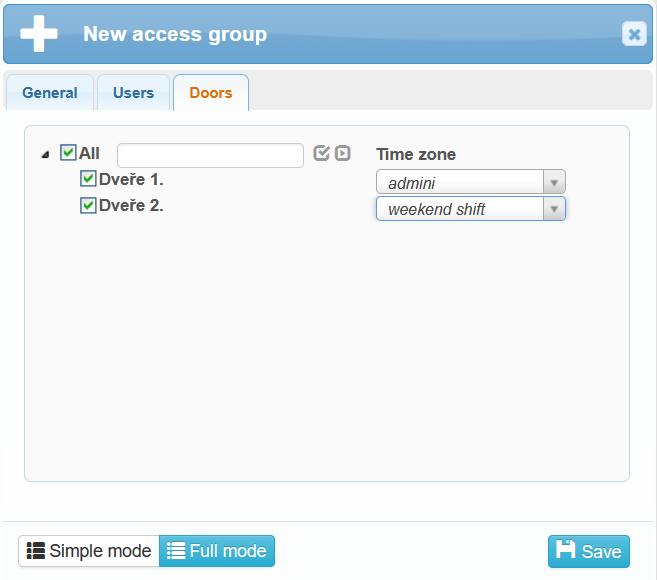
You can create a new access group by clicking the  button in the upper-left corner of the screen. A dialog window with several tabs will open:
General – here you enter the name of the access group and specify whether it should be set as the default access group.

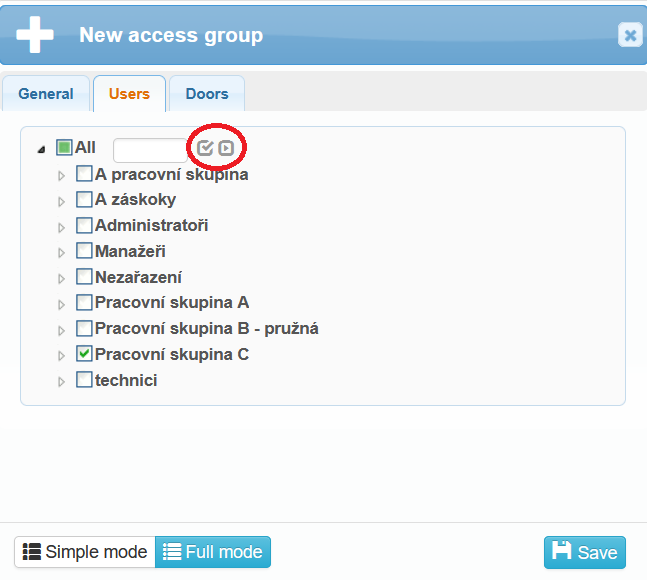
- Users – select the users who will belong to the access group. Users are clearly organized by work groups.
- Next to the All option, there is a icon
 . When selected, only the currently chosen (checked) users are displayed.
 - Using the an icon
 , the view switches back to display all users from all work groups.
- Next to the All option, there is a icon