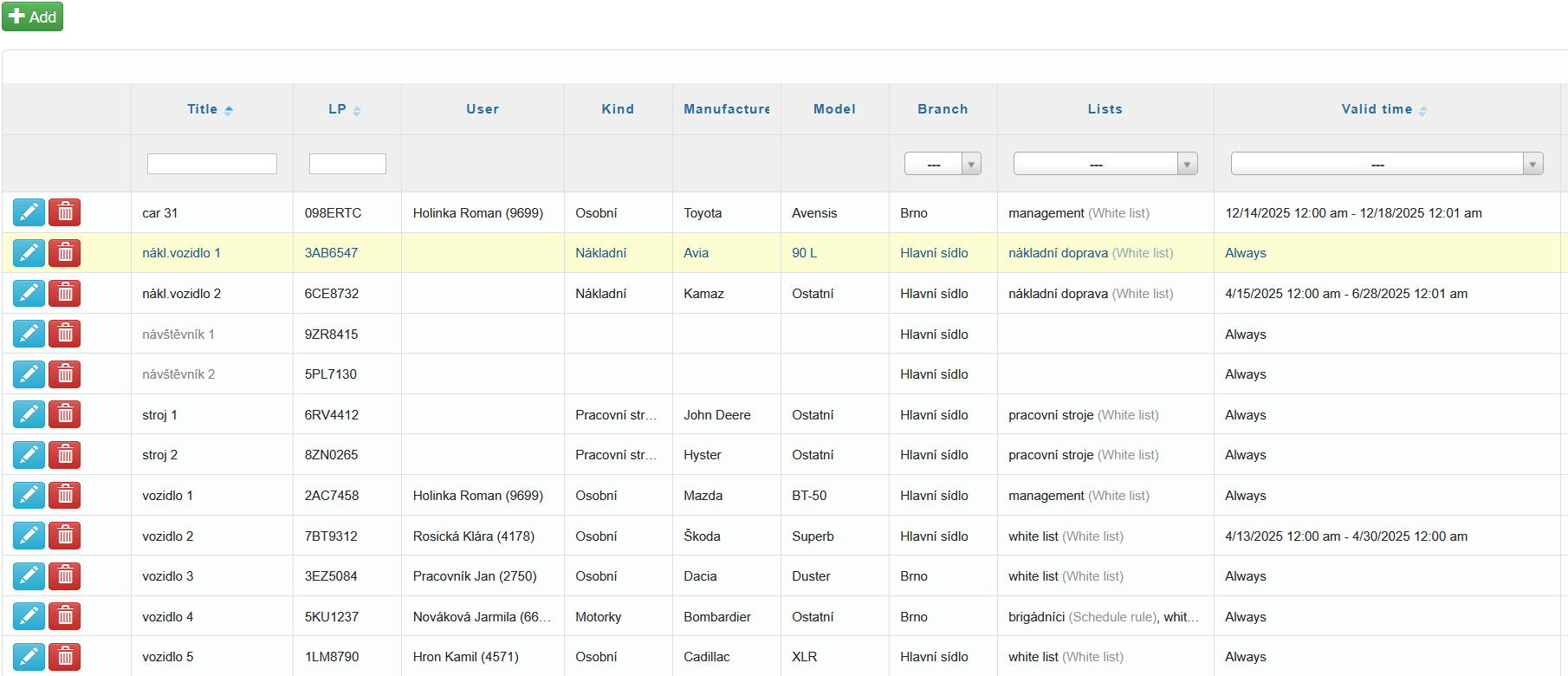
You can add vehicles to the system using the icon  in the top-left corner.
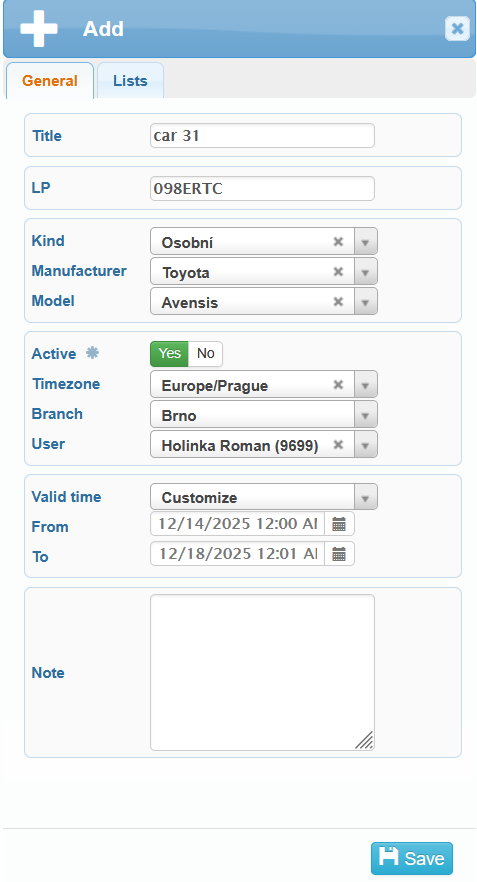
In the General tab, you can set:
- title of the vehicle
- LP number
- user
- kind (passenger car, motorcycle, utility vehicle, truck, bus, trailer or semi-trailer, motorhome, work machine, or quad)
- manufacture – selectable from a drop-down list
- model
- whether the vehicle is active – an active vehicle consumes a license
- time zone – Europe/Prague is set as the default
- branch
- lists
- valid time
always – the vehicle is recognized at all times
custom – the vehicle is recognized only during a limited selected period
- note
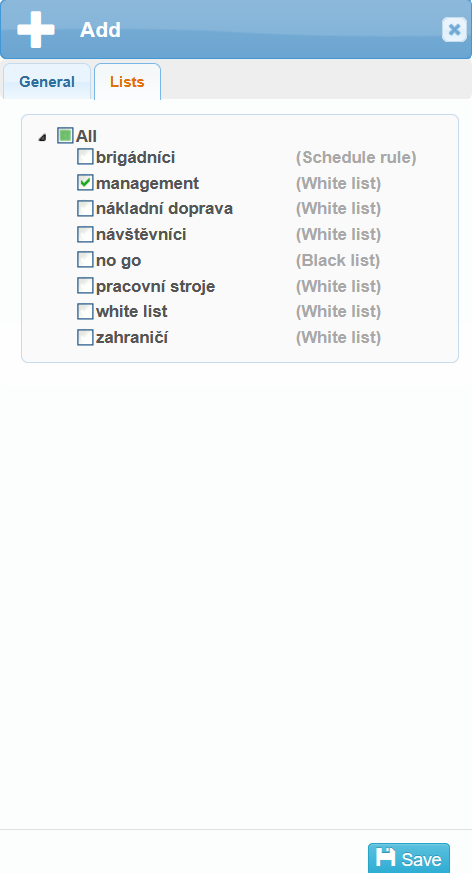
In the second tab, Lists, you can select which list you want to add the vehicle to.
All added vehicles are displayed in the overview table. The vehicles can be edited  or deleted
  from here.