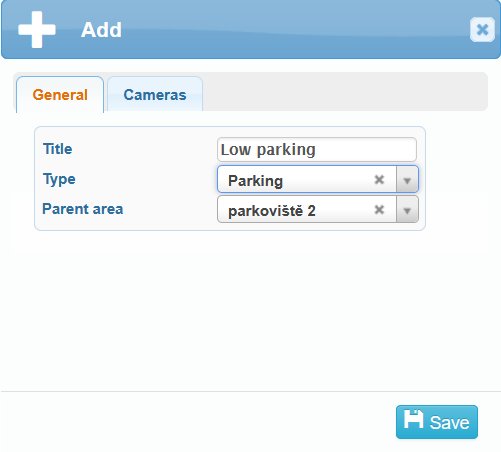
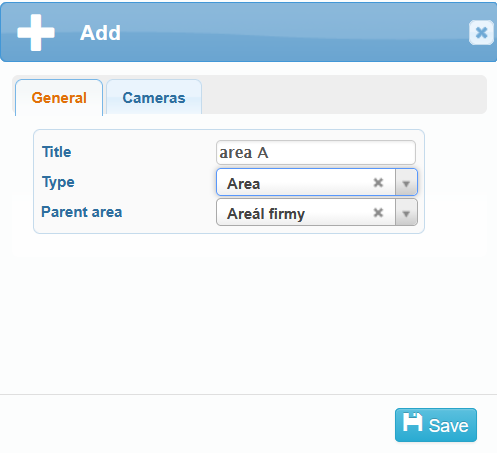
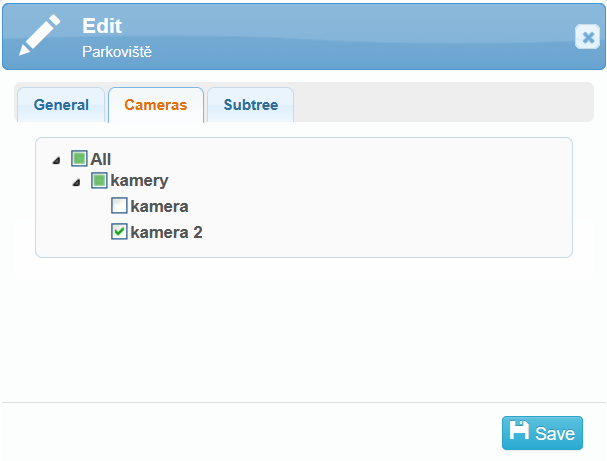
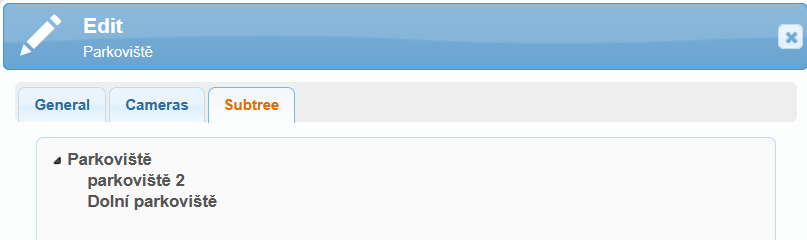
All added parking areas and areas are displayed in the overview table.
Here you can edit  or delete
 parking areas and areas, or view the gate opening log
  .
.
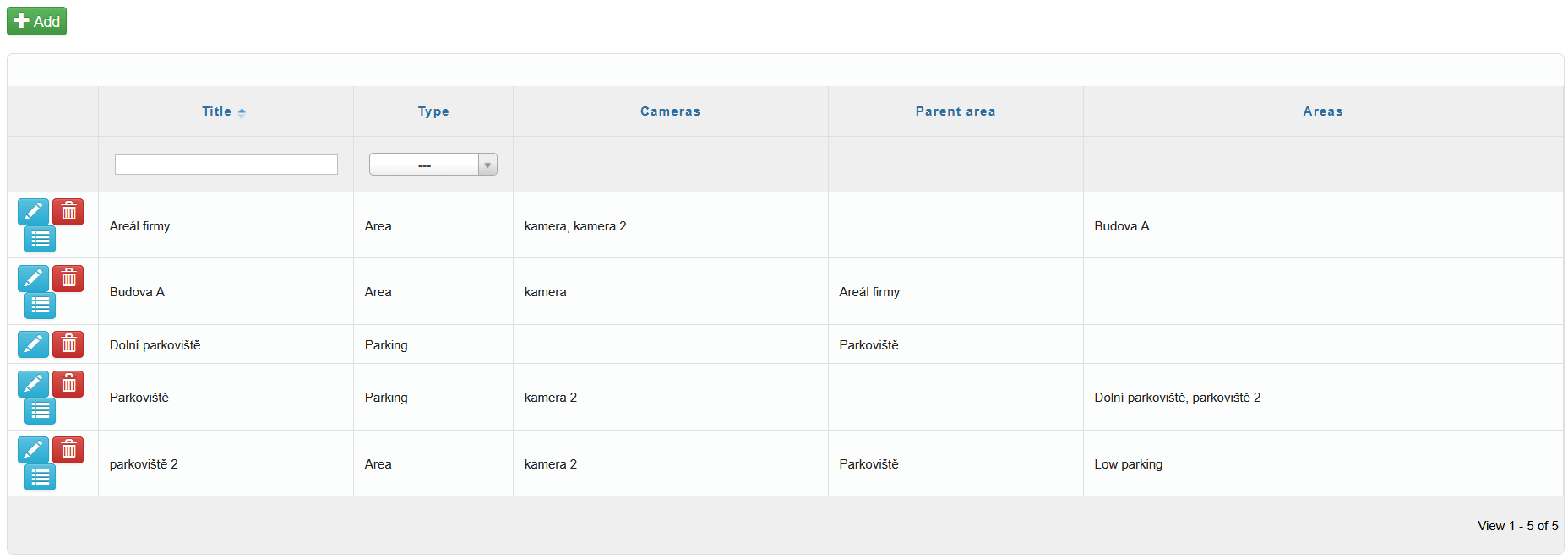

All added parking areas and areas are displayed in the overview table.
Here you can edit or delete parking areas and areas, or view the gate opening log .