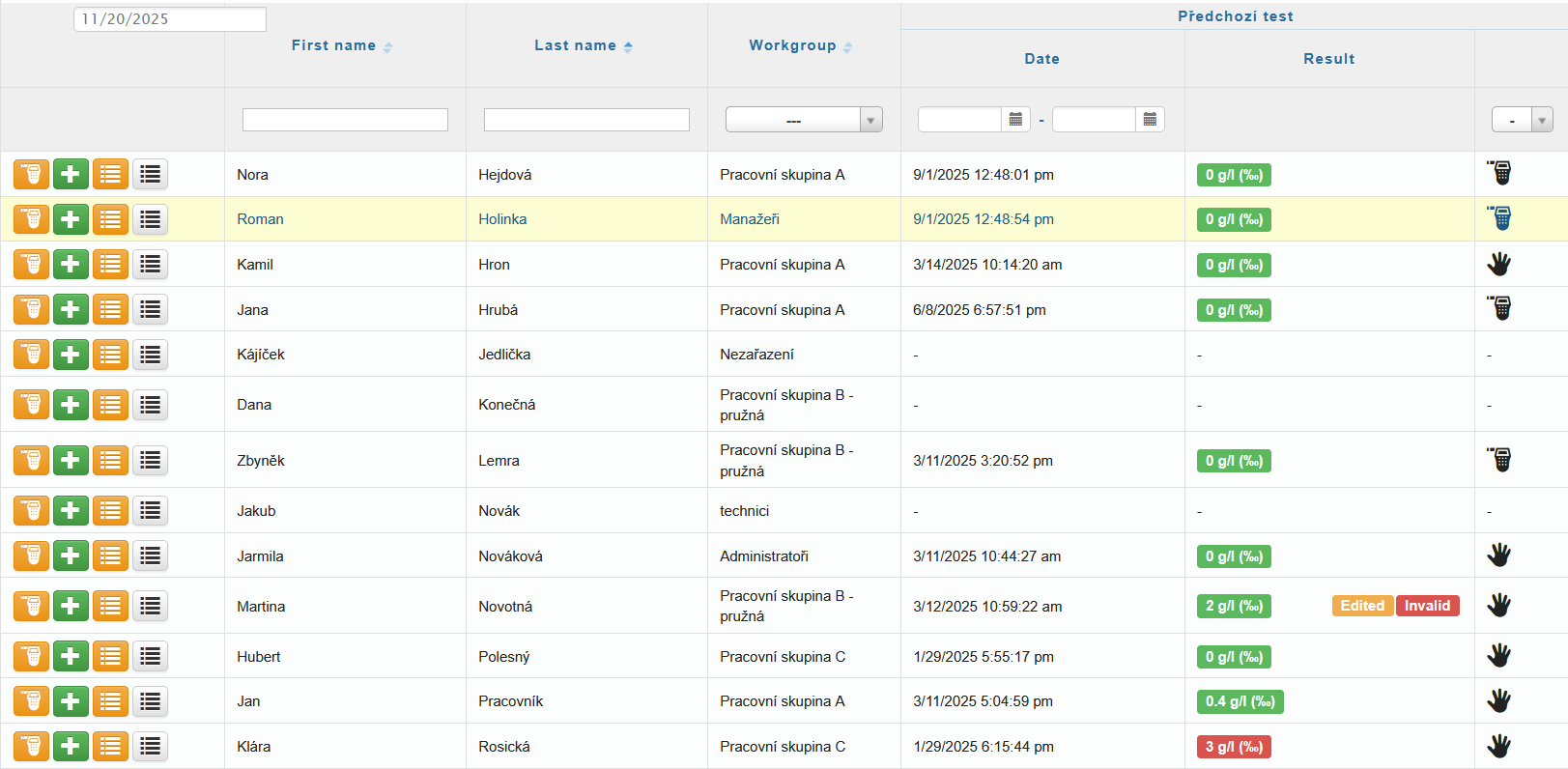
In the Alcohol Testing tab, you will see information about the most recent alcohol test of each user.
Using the icons in the first column, you can choose one of the following options:
 Remote Alcohol Testing
 Manual Entry of a New Measurement
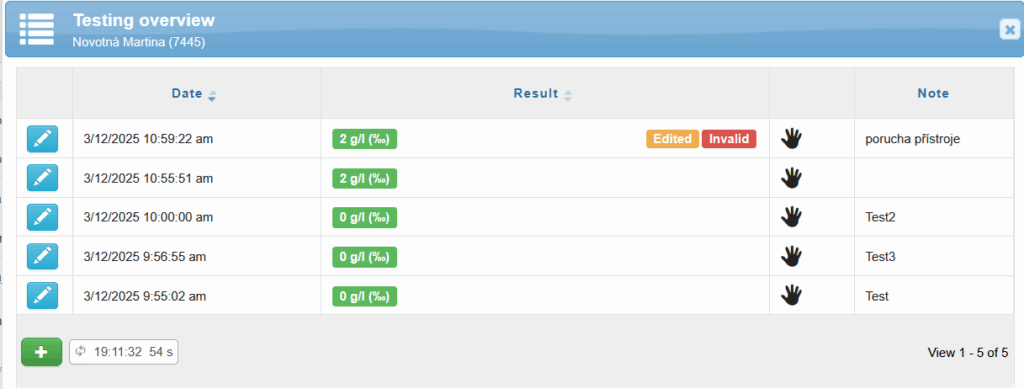
 the testing history of the given user – individual tests can be edited separately
 overview of planned testing