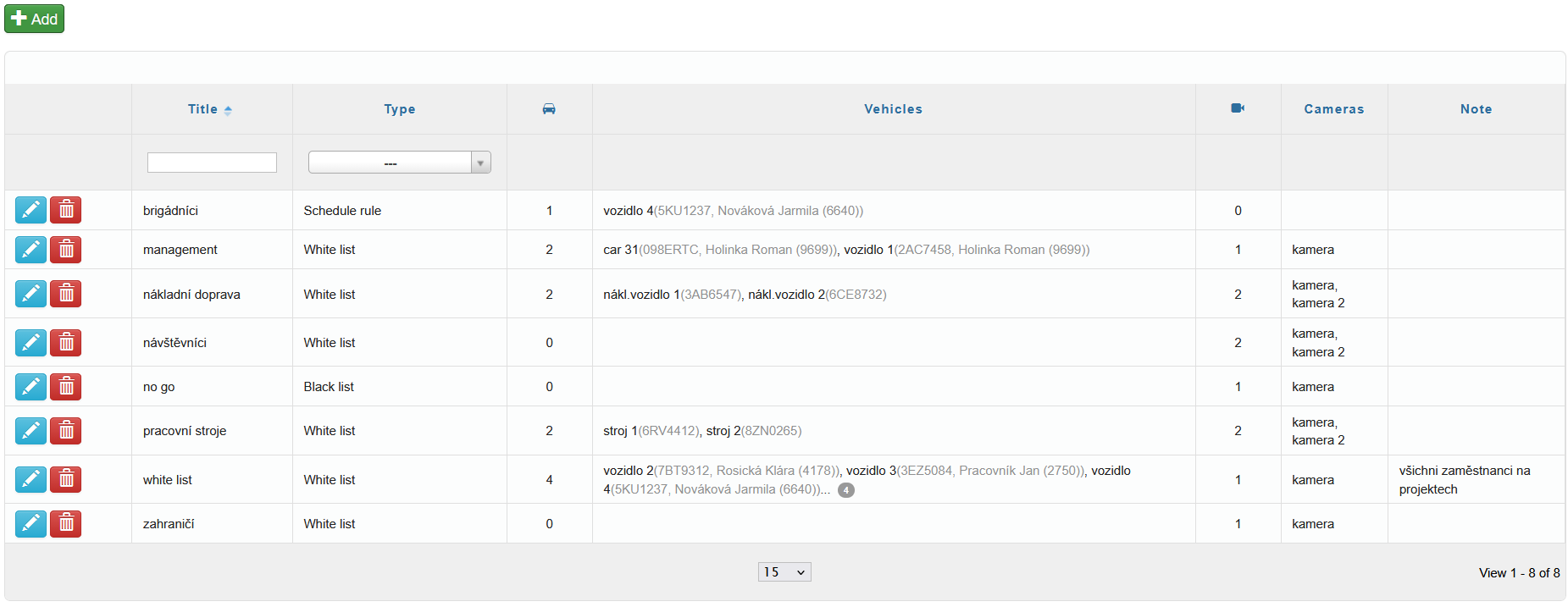
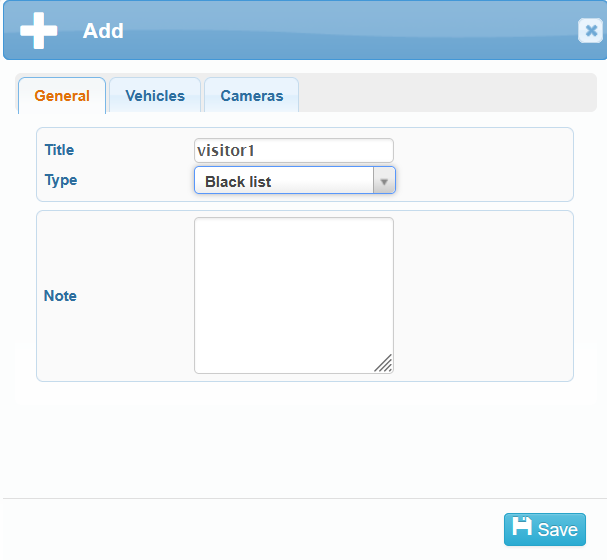
You can add new vehicle lists to the system using the icon  in the top-left corner. After clicking the icon, an Add window will appear, where you can select the following in the General tab:
- title
- type
- white list
- black list
- schedule rule
- note
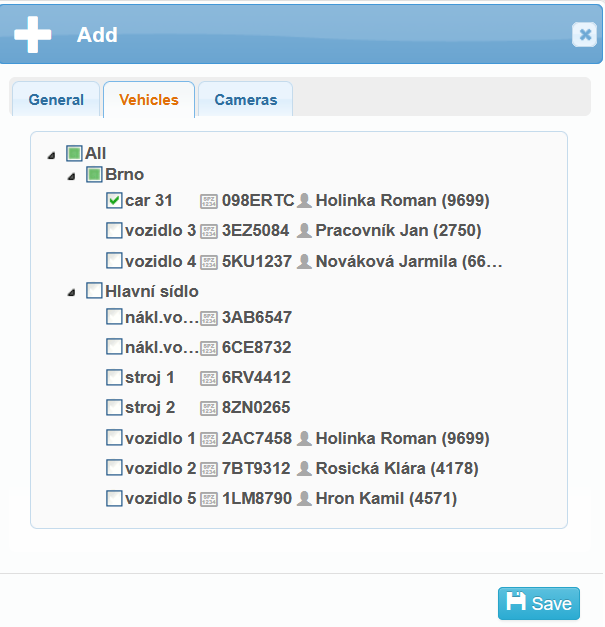
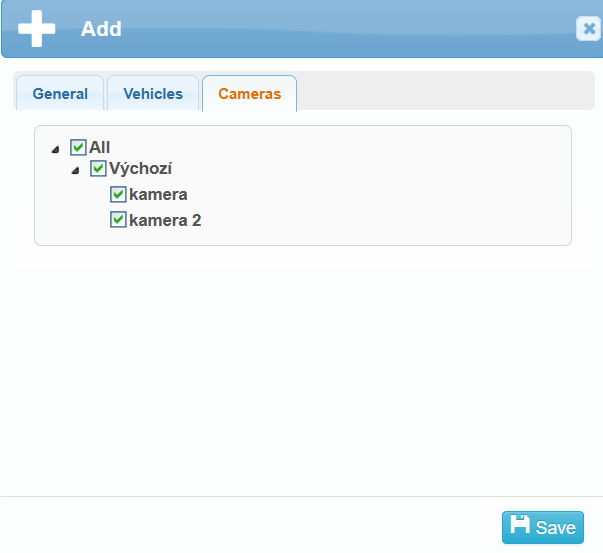
All added vehicle lists are displayed in the overview table. You can edit  or delete
  the lists here.