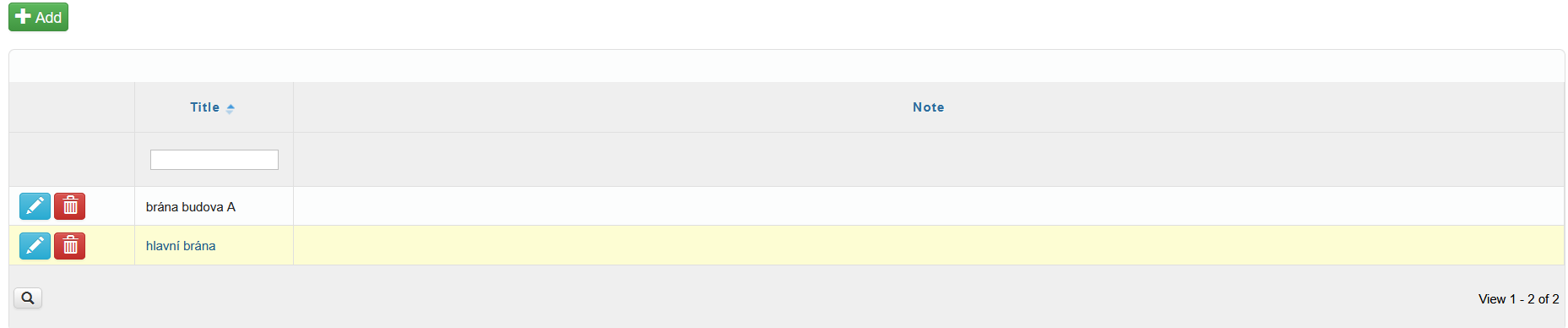
Gates provide an overview of all gates located within the company.
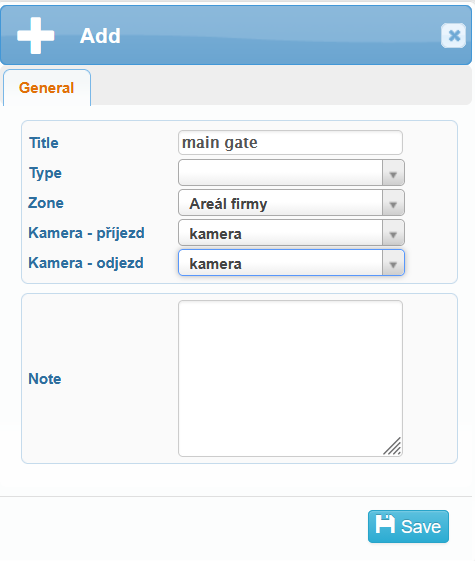
You can create a new gate by clicking the Add button in the upper-left corner of the screen. A dialog window will open, where in the General tab you can set:
the gate name
type, area
entry camera
exit camera
and optionally add a note.
The overview table then displays all saved gates, including any notes associated with them.