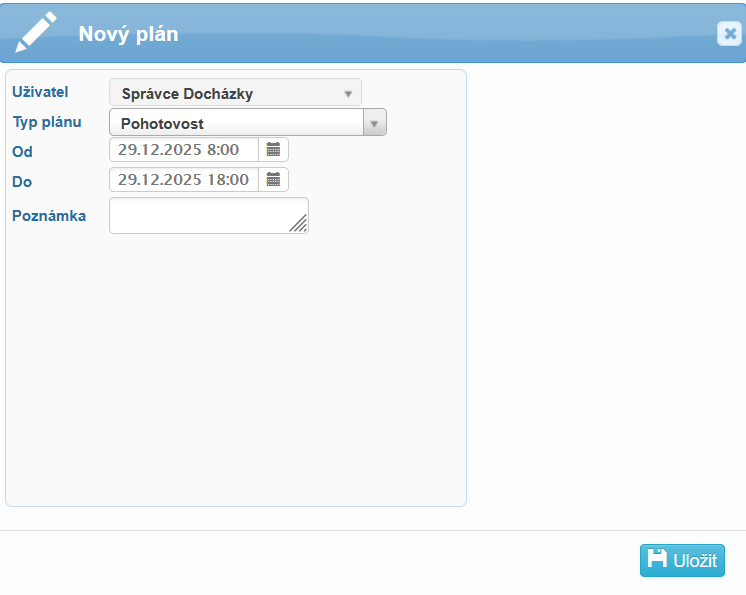
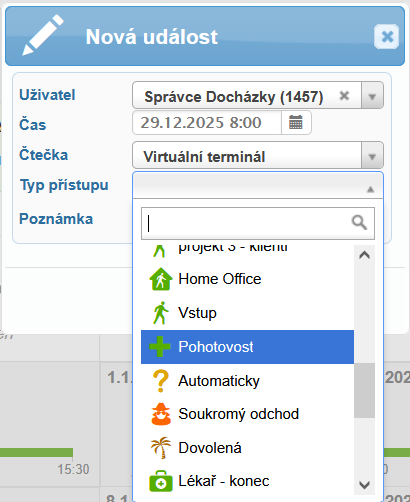
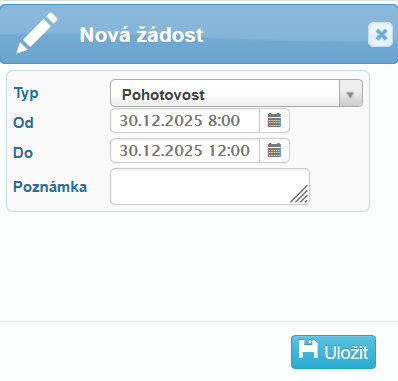
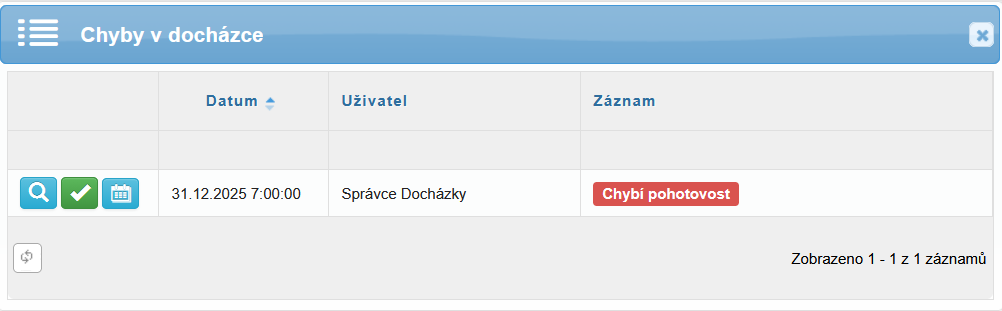
K chybě docházky „Chybí pohotovost“ dochází tedy v případě, že:
- uživatel nemá přiřazen typ přístupu s funkcí Pohotovost, a zároveň
- má ve své docházce použit plán obsahující Pohotovost.
Způsob opravy:
- přidat přístup – uživateli se přidá typ přístupu Pohotovost. Nezapomeňte si tento typ přístupu povolit nejdříve na čtečce / terminálu: Administrace – Čtečky – editace čtečky – záložka Typy přístupu – Pohotovost.
- opravit později – tato možnost odloží chybu k opravě později (označena fialově).
The attendance error “Missing on-call duty” occurs when:
the user does not have an access type with the On-call duty function assigned, and at the same time
an attendance plan containing On-call duty is used in the user’s attendance.
How to resolve the issue
Add access – assigns the On-call duty access type to the user.
Make sure this access type is first enabled on the reader / terminal:
Administration → Readers → Edit Reader → Access Types tab → On-call duty.
Fix later – postpones the error for later resolution (marked in purple).